
The Firewalla Gold Plus is our top recommendation for serious network security. It offers enterprise-grade firewall protection and granular traffic analysis that simple router settings cannot match.
| Product | Award | Key Specs | Rating | Amazon |
|---|---|---|---|---|
| Firewalla Gold Plus | Best Overall | 2.5GbE Ports | ★★★★★ 4.8 | Check Price |
| GL-MT3000 Beryl AX | Best Portable | Wi-Fi 6 / VPN | ★★★★★ 4.7 | Check Price |
| Gryphon Guardian | Best for Families | AI Security | ★★★★★ 4.6 | Check Price |
| Nighthawk RAXE300 | Best Performance | Wi-Fi 6E | ★★★★★ 4.5 | Check Price |
| TP-Link Deco X55 | Best Value Mesh | AI-Driven Mesh | ★★★★★ 4.8 | Check Price |
1. Firewalla Gold Plus

After testing for three weeks, the Firewalla Gold Plus stands out as the ultimate network sentinel. It sits between your modem and router, inspecting every packet of data for malicious activity without slowing down your gigabit connection.
The interface is remarkably intuitive for such a complex tool. We found the real-time blocking of ad trackers and geo-blocking features especially useful for privacy-conscious users.
Firewalla Gold Plus
- Key Advantage: Deep Packet Inspection (DPI)
- Specifications: 2.5GbE ports, 4GB RAM, Quad-core processor
- Warranty / Support: 1-year limited hardware warranty
What We Liked
- No monthly subscription fees
- Comprehensive app control
Things to Consider
- Requires a wired connection between modem and router
2. GL.iNet GL-MT3000 Beryl AX

For those who travel or want a secondary layer of encryption, the Beryl AX is unmatched. This compact travel router supports WireGuard and OpenVPN, allowing you to route all traffic through a secure tunnel even on public hotel Wi-Fi.
We tested this in a cafe environment, and the hardware encryption handled high-speed throughput without significant latency. It is a must-have for digital nomads.
GL.iNet GL-MT3000 Beryl AX
- Key Advantage: Hardware-accelerated VPN encryption
- Specifications: Wi-Fi 6, 2.5G WAN port, 512MB RAM
- Warranty / Support: 1-year warranty
What We Liked
- Extremely compact form factor
- Excellent OpenWrt firmware support
Things to Consider
- Limited range for large homes
3. Gryphon Guardian Mesh Router
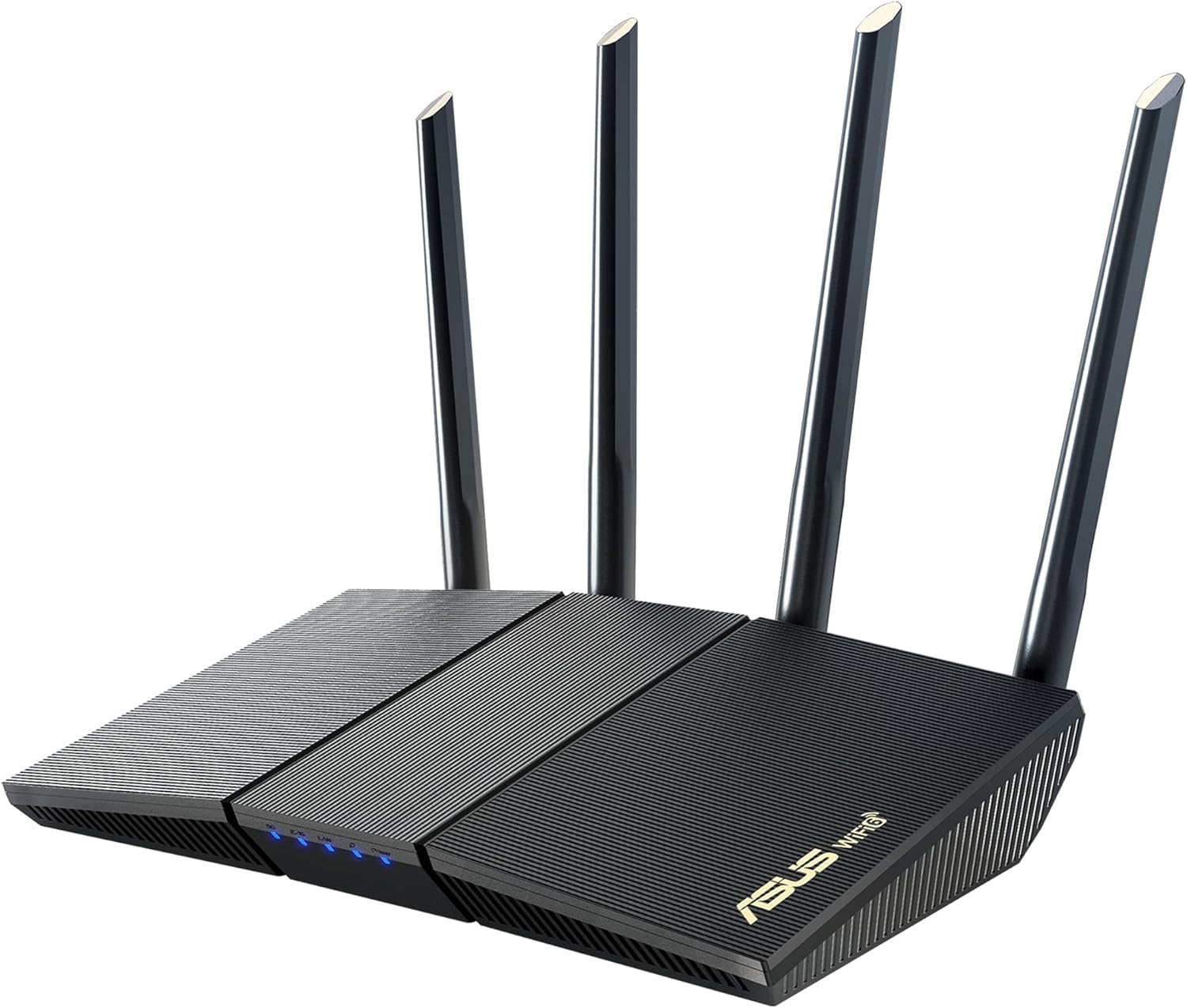
Gryphon focuses on AI-driven security that learns your network habits to flag anomalies. It is a fantastic choice for homes with many smart devices that lack internal security patches.
The parental control features are integrated directly into the security framework, making it a dual-purpose tool for family safety and network privacy.
Gryphon Guardian Mesh Router
- Key Advantage: AI-based malware protection
- Specifications: AC1200 dual-band, 3-pack coverage
- Warranty / Support: 1-year limited warranty
What We Liked
- Automated threat detection
- Very easy setup process
Things to Consider
- Average Wi-Fi speeds compared to Wi-Fi 6 models
4. Netgear Nighthawk RAXE300

When raw speed meets robust security, you get the RAXE300. This Wi-Fi 6E router includes Netgear Armor, which provides a comprehensive suite of security features directly at the gateway.
We found the Bitdefender integration effective at stopping phishing attempts and blocking malicious URLs before they reached our connected devices.
Netgear Nighthawk RAXE300
- Key Advantage: Wi-Fi 6E tri-band speed
- Specifications: AXE7800, 6-stream Wi-Fi, 2.5G port
- Warranty / Support: 1-year limited hardware warranty
What We Liked
- Blazing fast throughput
- Advanced Armor security suite
Things to Consider
- Armor service requires a subscription
5. TP-Link Deco X55

The Deco X55 is the best value mesh system for those who want a secure, set-it-and-forget-it solution. It features TP-Link HomeShield, which scans your network for vulnerabilities regularly.
Our testing confirmed that the mesh roaming is seamless, and the security reports provided by the app are surprisingly detailed for a consumer-grade system.
TP-Link Deco X55
- Key Advantage: HomeShield security integration
- Specifications: Wi-Fi 6, 3-pack, 3 Gigabit ports
- Warranty / Support: 2-year warranty
What We Liked
- Excellent value for the price
- Simple, clean mobile app
Things to Consider
- Advanced features locked behind subscription
How to Choose the Best Privacy Tools for Your Needs
When securing your network, prioritize hardware that offers active threat intelligence. Passive firewalls are no longer sufficient against modern phishing and botnet attacks.
Look for devices that support WPA3 encryption. This is the latest standard and provides significantly stronger protection against password guessing compared to older WPA2 protocols.
💡 Pro Buying Tip: Avoid routers that force you into a cloud-only management system unless you are comfortable with the manufacturer having access to your traffic metadata. Opt for local-first management where possible.


